
A sales enablement tool. Your sales team presents the 247Vibes mobile experience on the stand touchscreen or a tablet, instead of talking through slides.
Concept: a rep presenting the 247Vibes mobile walkthrough on the stand touchscreen.
An interactive product demo built for your sales team to present. Think of it as the sales deck, rebuilt as the actual product.
247Vibes is mobile first, so the demo is too. The phone screens run inside a 3D phone on the touchscreen or tablet, and every tap does what it would do for a player.
The rep taps straight to whichever feature the visitor wants to see, in any order, and talks it through. The visitor watches; the rep does the tapping.
Each step can bring up a short card with the key message, so the main points land in every demo.
Big, bright and moving, with the phone turning in 3D. It gives people a reason to stop and watch.
This is the mobile walkthrough a rep presents to a prospect. Tap the glowing area or use the arrows, the way a rep would. Each step brings up the key message for that feature.
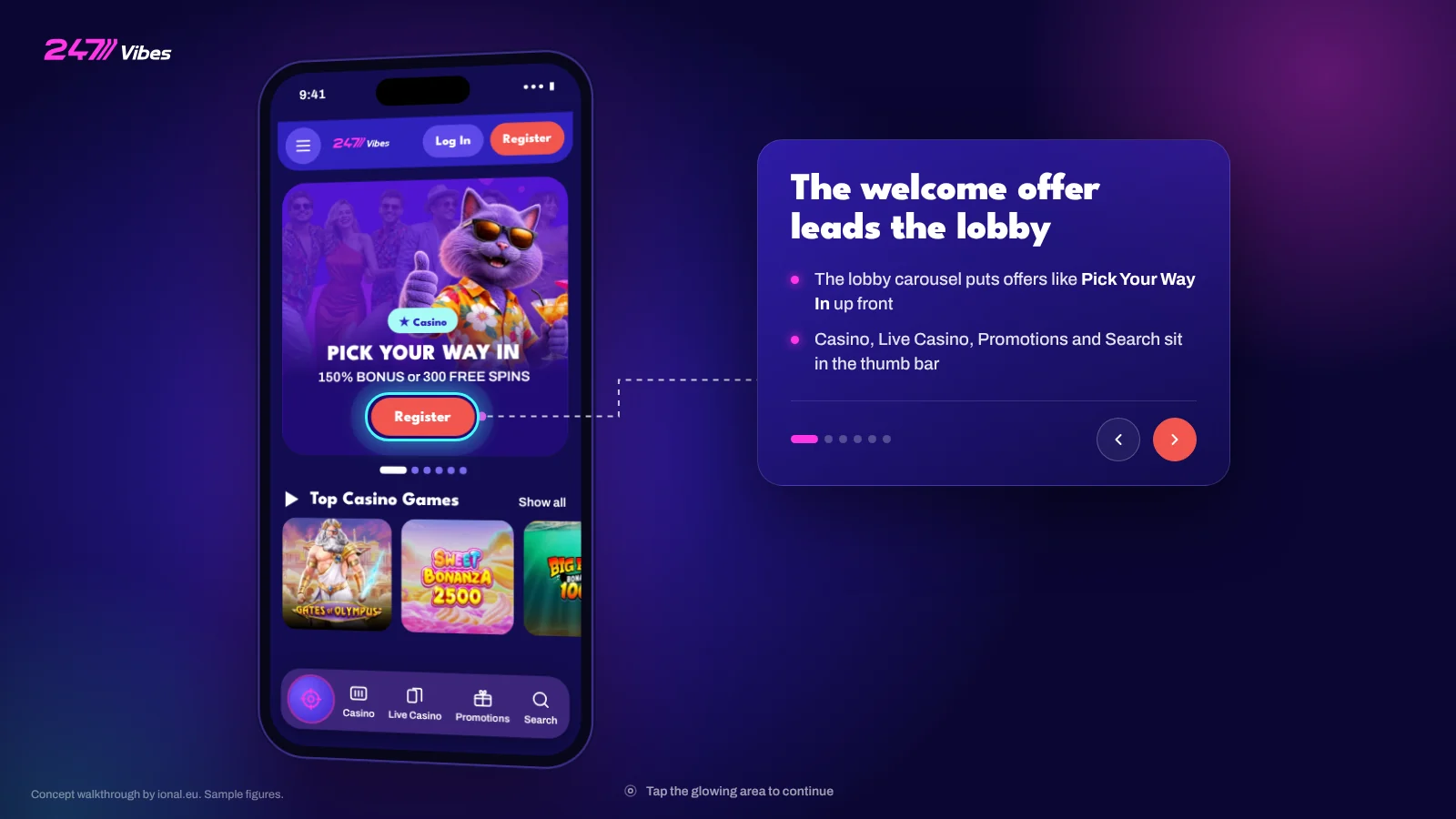
The live walkthrough opens on a tablet or desktop screen.
Open full screenConcept mock-up built from the public 247Vibes site. Sample figures.
A rep walks visitors through the 247Vibes mobile experience on the stand touchscreen. Every demo is a conversation, and a conversation is a lead.
The same mobile demo runs on a tablet, so a second rep can take another visitor through it at the same time.
A live product on a big screen, moving in 3D, gets people stopping to watch the demo in progress.
New feature? Update the screens and cards. Nothing to re-shoot.